[ 01 ]Vehicle Audio
Understand the
system you own.
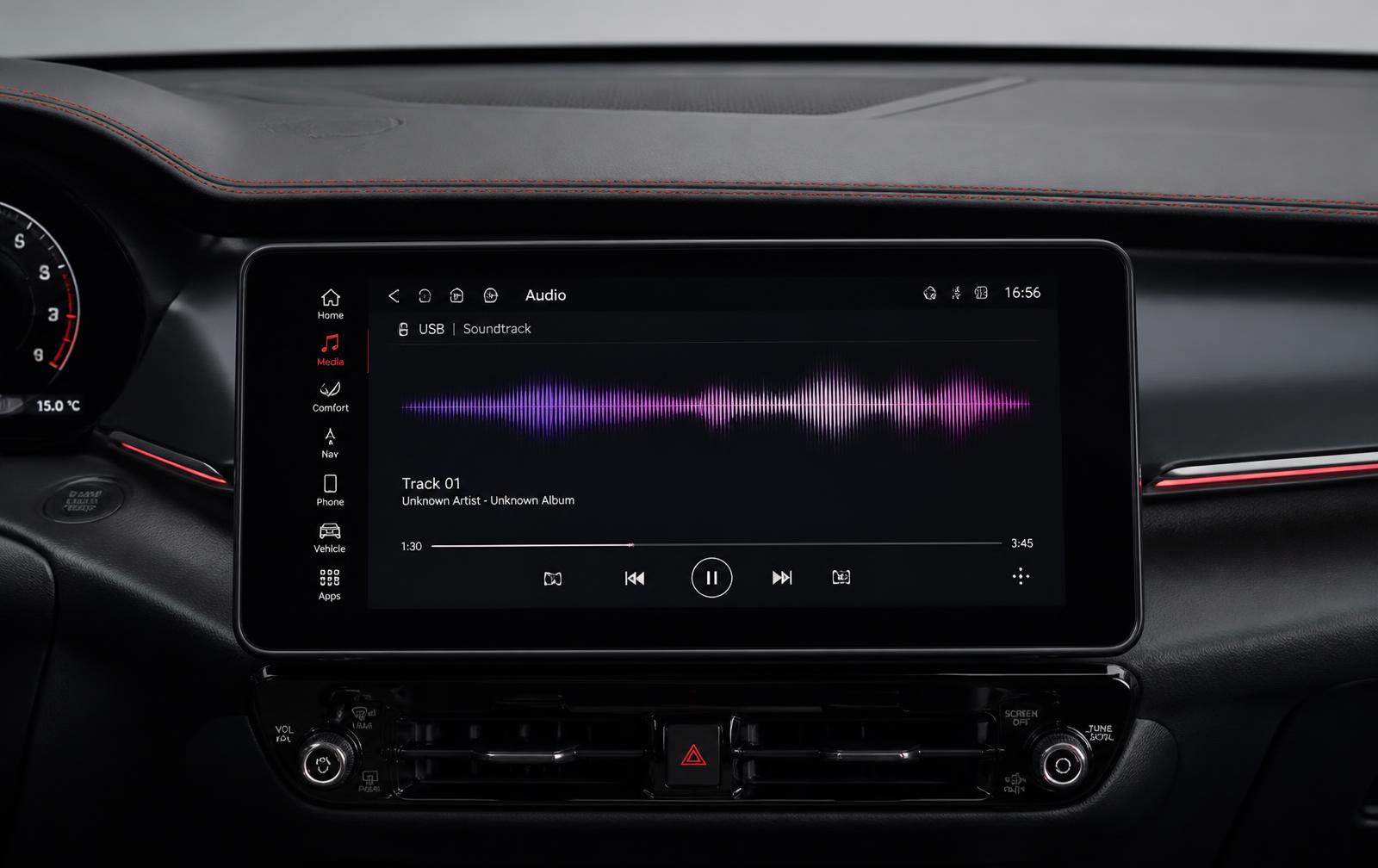
Dashboards, infotainment, speakers and connectivity — described in the order the signal actually travels, so the behaviour of your system starts to make sense.
- Layers
- Five
- Connection types
- Four
- Confirmation
- Manufacturer / provider
- Nature
- Informational
[ 02 ]System Layers
Signal path, front to back
Most confusing audio behaviour traces back to one of these five layers. Identifying which one narrows the question immediately.
- 01
Head unit
The centre of the system. It selects sources, applies processing and sends signal onward. Factory, premium and aftermarket units differ significantly in what they accept.
- 02
Amplification
Either built into the head unit or a separate module. Premium factory systems almost always use a discrete amplifier.
- 03
Speakers
Position, size and count define the ceiling of what any setting can achieve. Door-mounted mid-range drivers do most of the work in most cars.
- 04
Sources
Broadcast tuner, satellite receiver, USB, Bluetooth, projection and embedded apps. Each arrives at the head unit differently.
- 05
Processing
Equaliser, balance, fade, loudness and manufacturer-specific modes. This is the layer you can actually change.
[ 03 ]Connectivity
Four ways audio reaches your car
| Type | Character |
|---|---|
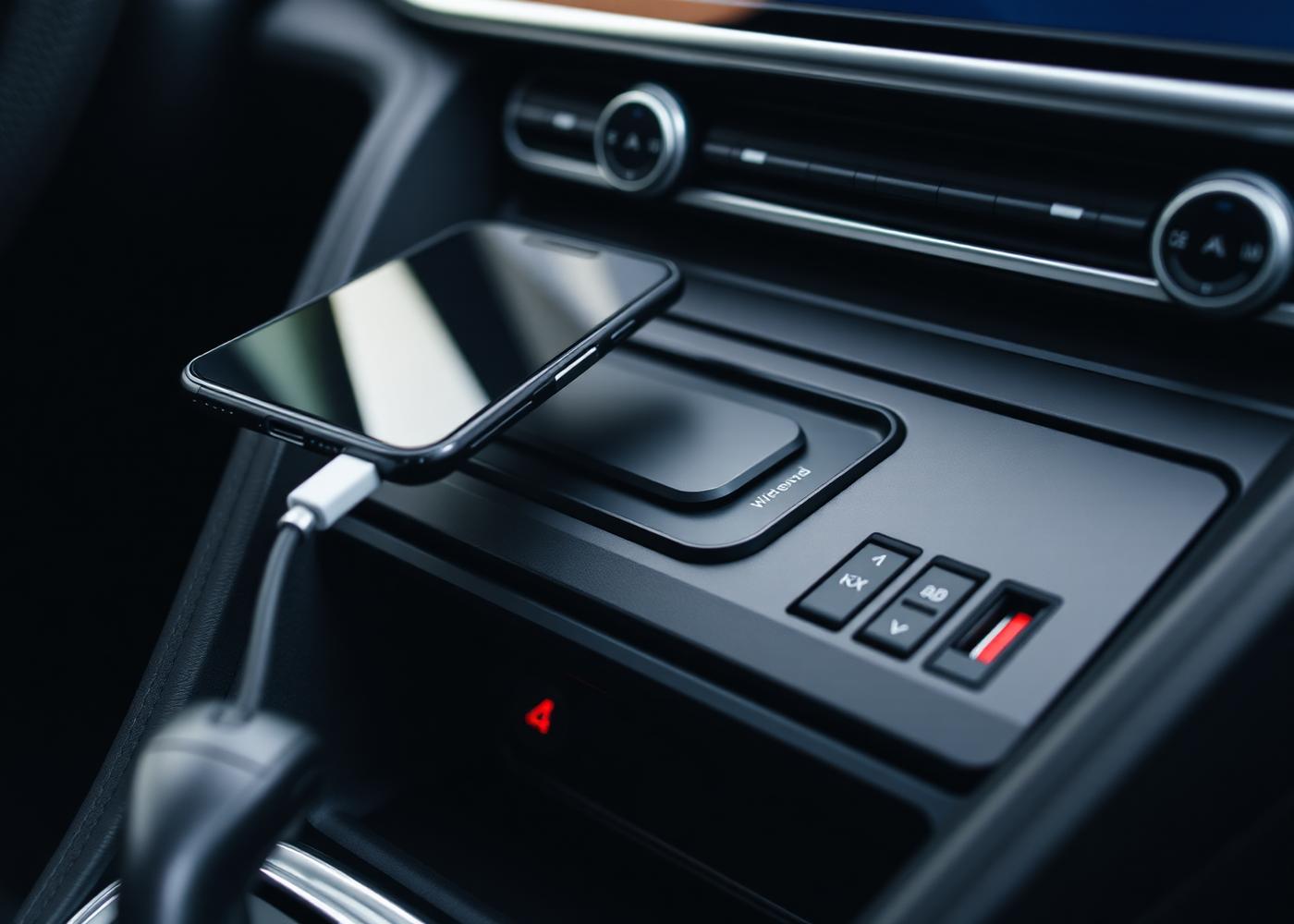
| Bluetooth | Universal Works with nearly everything. Compressed, limited metadata, and the most likely to drop out. |
| USB / wired projection | Stable Wired data connection carrying both audio and interface. Generally the most reliable route. |
| Wireless projection | Convenient Same interface without the cable. More sensitive to phone battery and interference. |
| Embedded connectivity | Vehicle-native The car's own data connection. Availability and features are tied to the manufacturer. |
[ 04 ]Compatibility
What compatibility actually depends on
Four variables decide almost every compatibility question. None of them can be answered from a car's badge alone.
Head unit
Its model determines supported sources and interfaces.
Receiver hardware
Some services require dedicated hardware fitted to the vehicle.
Model year
Feature sets change year to year, even within the same model line.
Service requirements
What the provider requires in-vehicle, which only they can confirm.
No compatibility database
Veeren Drive Connect does not operate a vehicle lookup system and cannot confirm compatibility for any specific car. We help you identify what to check and where to check it.
[ 05 ]Transparent FAQs
Straight answers

- Can you confirm whether my car supports a specific service?
- No. We can explain what determines compatibility — head unit, receiver hardware and service requirements — but confirmation must come from your manufacturer or the service provider.
- Do you install or modify audio equipment?
- No. We provide information and guidance only. Physical work should be handled by a qualified installer or service centre.
- Why does my phone sound worse over Bluetooth?
- Bluetooth compresses audio before transmission. A wired or projection connection typically passes a higher-quality stream.
- Is aftermarket always better than factory audio?
- No. Modern factory premium systems are often well matched to the cabin. Aftermarket offers more control, but requires careful integration.
- Can you tell me what my subscription costs or covers?
- No. Pricing, coverage and plan details must be confirmed directly with the provider. We can help you identify the right questions to ask.